
 USER GUIDE
Steps to Take the Course
-
・Step1 Create an Account
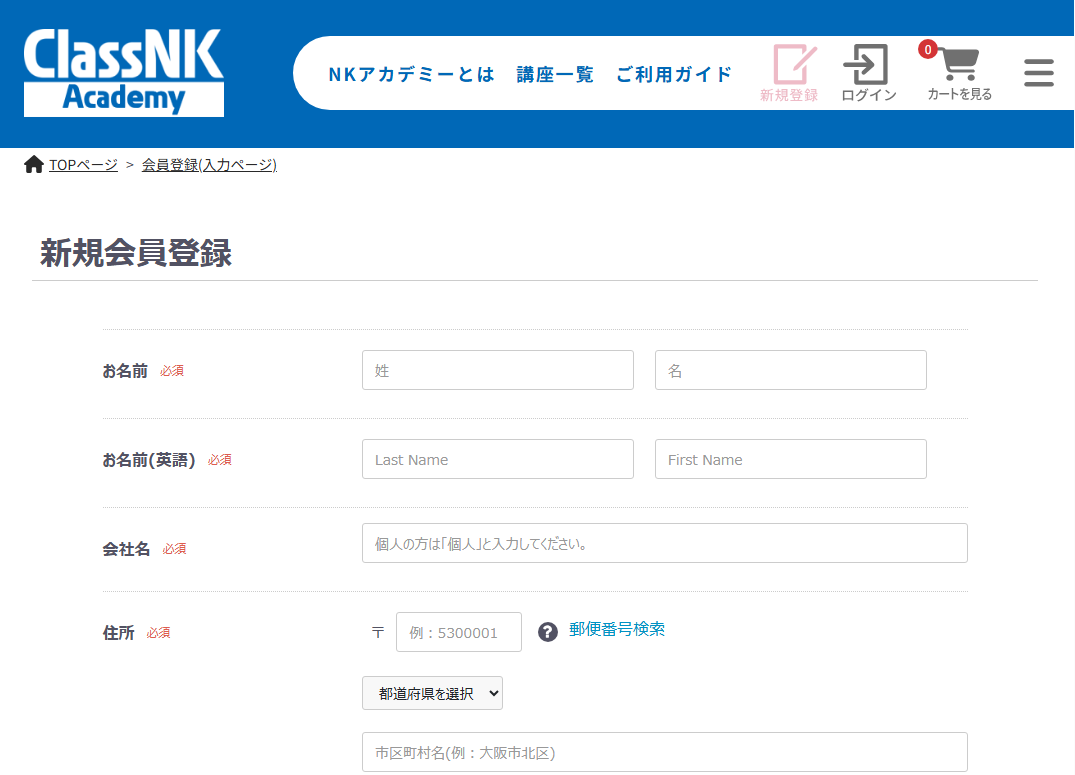
①Fill in the necessary information in the "Sign Up" from located at the top right of the homepage.
②Complete your authentication by clicking the URL in the e-mail sent immediately after you finish registering. -
・Step2 Placing Your Order
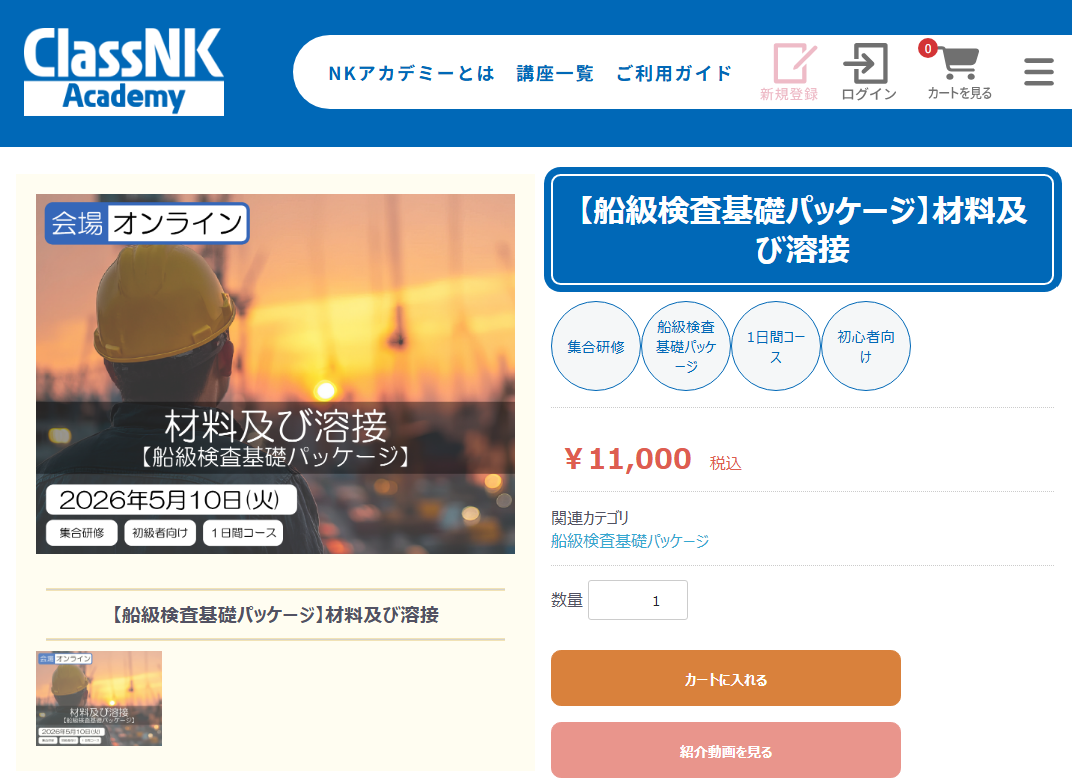
①After logging in, access your preferred product page from the homepage.
②Review the product details and add the item to your cart.
③Check the contents of your cart and proceed to checkout.
④Make your payment by credit card.
※We regret to inform you that the payment is accepted by credit card only.
⑤Once your payment is confirmed, you will recieve a confirmation email. -
・Step3 Register Participants from Your "My Account"
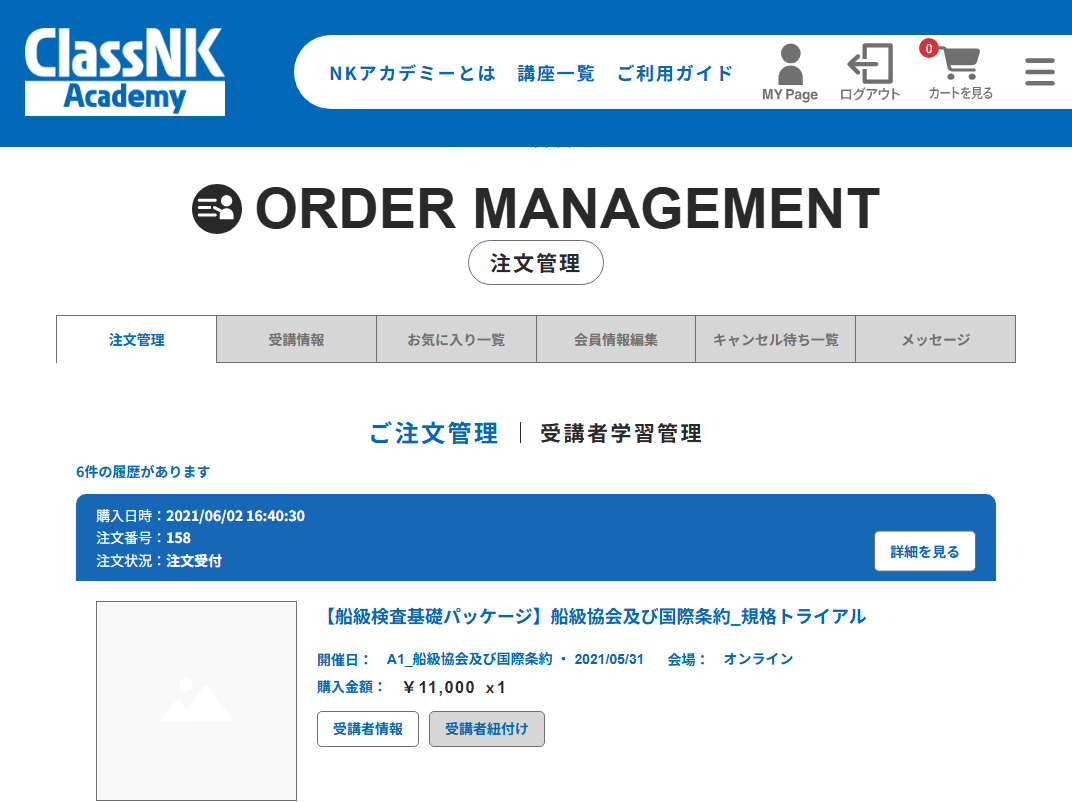
①After receiving the confirmation email, go to "My Account">"Order Controls">"Manage Orders".
②Click "Add Participant" and enter the participant's email address, one per line.
※Note: You cannont register an unregistered member as a participant. Please ensure their account is created beforehand.
③The participant will receive a confrimation email titiled "The participants are added." -
・Step4 Take the Course
【Group Training】
Take the course at the designated date, time and location.
【E-Learning】
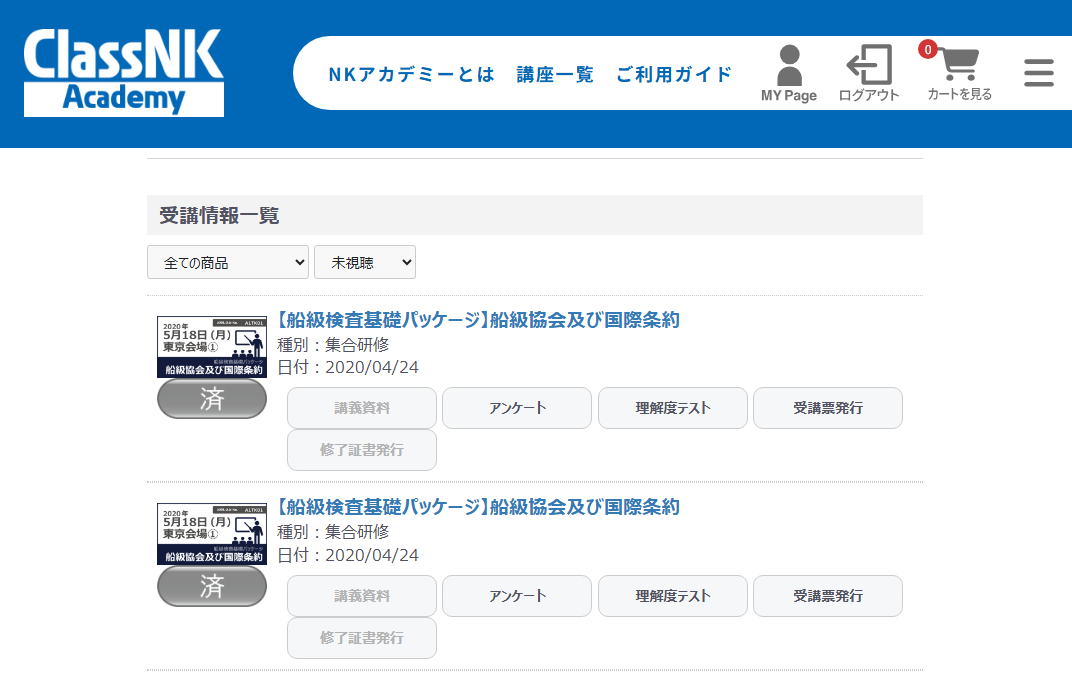
①From the "My Courses" tab in your "My Account", click the title of the course you want to take.
②To start viewing, click "Watch" on the chapter you wish to view.
※If the course is not devided into chapters, click the course thumbnail to start viewing. -
・Step5 Completion (E-Learning)
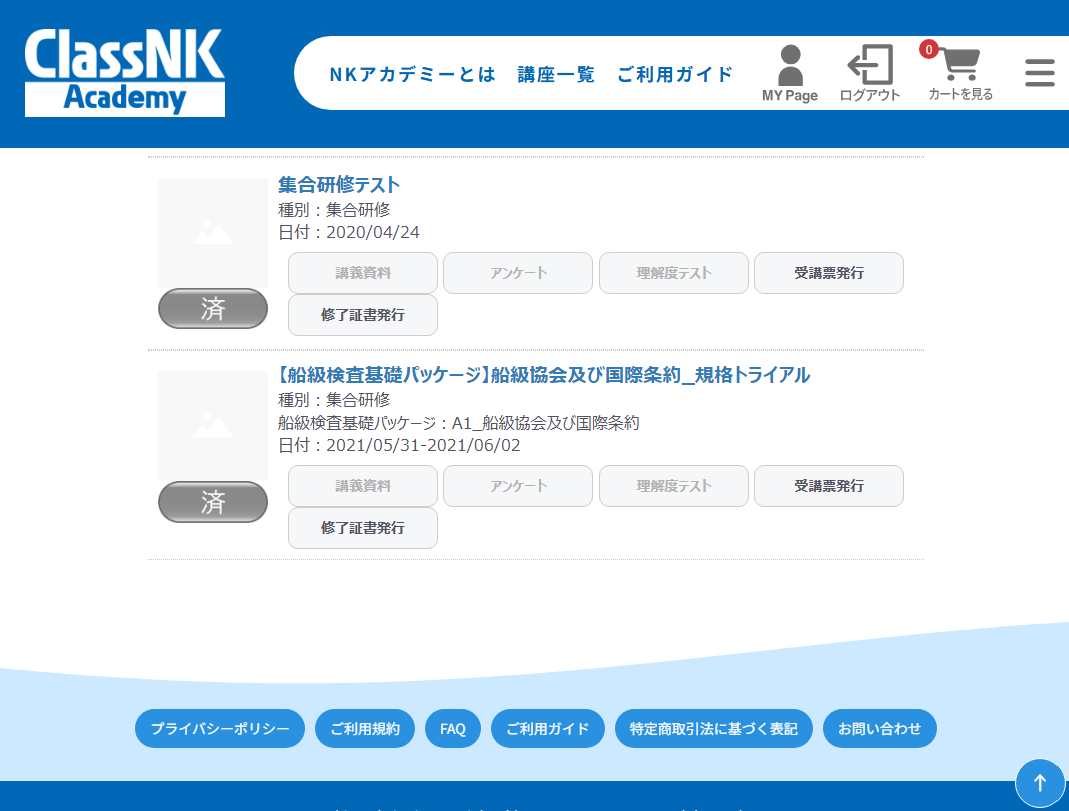
A completion certificate will be available for download after answering the questionnaire.
※The deadline for answering the questionnaire varies depending on the course.
※The name printed on the certificate will be based on the information registered in your profile. Please ensure your name is correct before issuing the certificate.
※For group training, please contact the local office for further details.
Video Showcase
We offer some introductory videos for E-Learning and ship tour videos.
For more details, please also refer to the User Guide.
If you have any questions, please contact us.